


- V0.1
Z Cover for v0.1
by Jon
v1 · source 8e5067f · 14 files
A cover to stop things from dropping down the Z motor and disappearing forever.
567 views59 downloadsupdated
Images
Files
STL models (10)
STL models: Show or hide 10 files
- STL/Bottom_panel_Z_cover_A.stlSTL176 kBDownload
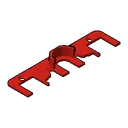
- STL/Bottom_panel_Z_cover_B.stlSTL198 kBDownload
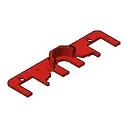
- STL/Bottom_panel_Z_cover_C.stlSTL192 kBDownload
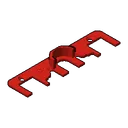
- STL/Bottom_panel_middle_cover_only_A.stlSTL155 kBDownload
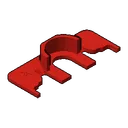
- STL/Bottom_panel_middle_cover_only_B.stlSTL177 kBDownload
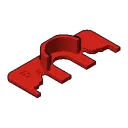
- STL/Bottom_panel_middle_cover_only_C.stlSTL175 kBDownload
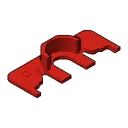
- STL/Measuring_tool_A.stlSTL25 kBDownload
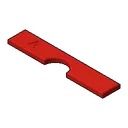
- STL/Measuring_tool_B.stlSTL49 kBDownload
- STL/Measuring_tool_C.stlSTL48 kBDownload
- STL/Rail_carriage_stopper_x2.stlSTL33 kBDownload
CAD files (2)
Documents (1)
Documents: Show or hide 1 file
- README.mdMD982 BDownload
Images (1)
Images: Show or hide 1 file
- IMG/Bottom_panel_Airgap_Lid_v4.pngPNG1.5 MBDownload
README
Z Cover for v0.1
A cover to stop things from dropping down the Z motor and disappearing forever.
BOM:
- 2x M3x6 FHCS (Creative users might get away with sandwitching the deck panel inbetween using M3x8 SHCS/BHCS from the bottom)
Print guide:
Print the 3 measuring tools to figure out what spacing suits your printer. Then print the "Bottom_panel_middle_cover_only_X" with the corrensponding letter if you want to just cover the middle. Or the "Bottom_panel_Z_cover_B" and 2x "Rail_carriage_stopper_x2" if you want the full cover with rail stoppers.
Preparation:
Screw the rail stoppers on with the M3x6 FHCS if you went this route.
Mounting:
Squish it in at an angle. If you're lucky you'll get it in with some light force. If not, unscrew the rail stoppers and try to attatch those after. Or loosen the z rails and lift them slightly, then put them all the way down again after.
Related mods
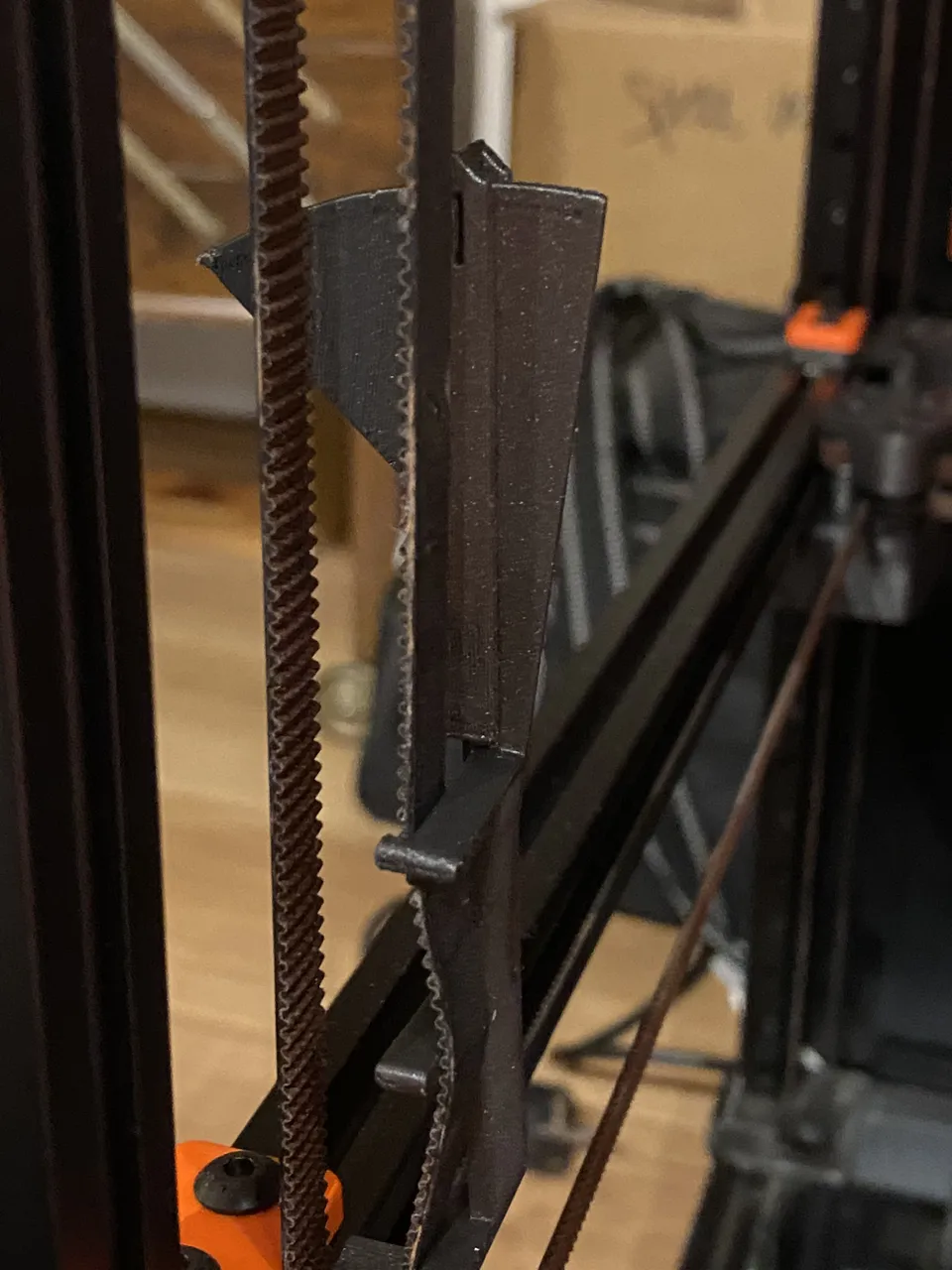
Belt Tension Meter
by Kruppes
Print in place tension meter to easily tighten multiple belts to the same tension- V0
- V1
- V2
- VSW
9,343 views1,131 downloads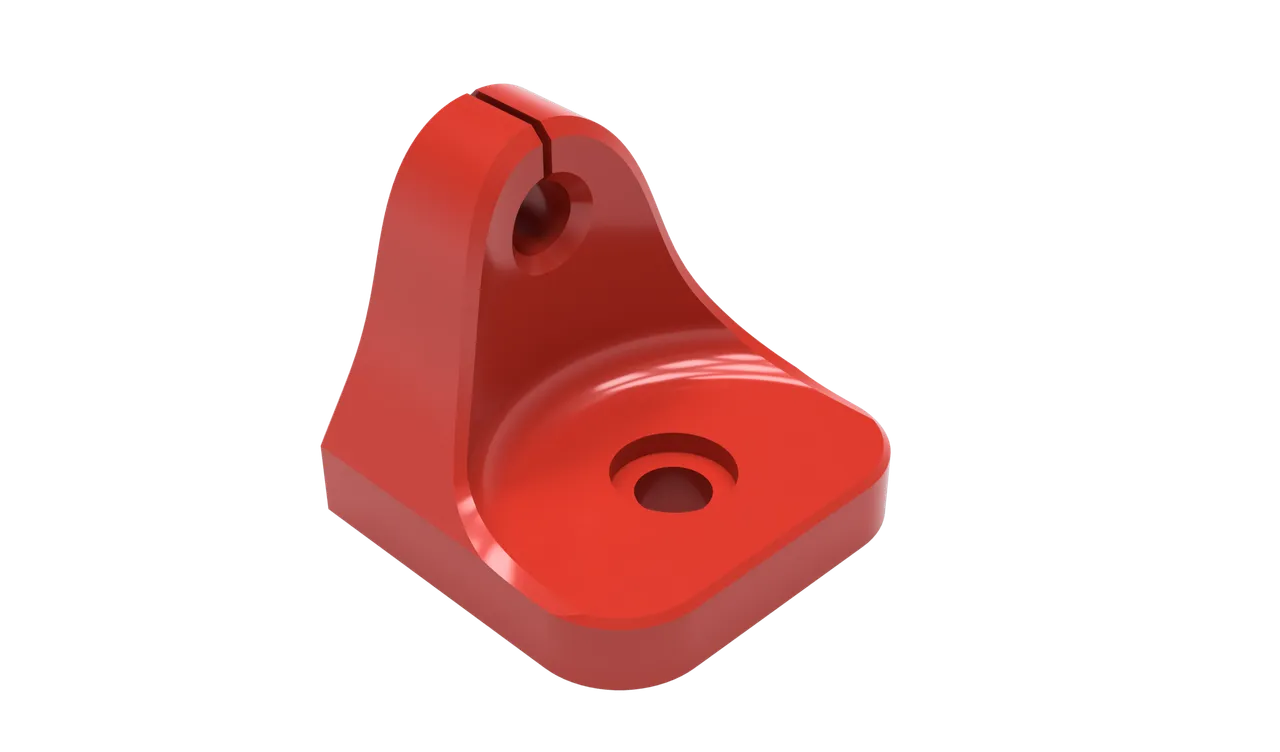
Extrusion/Chamber Thermistor Mount
by samwiseg0
Extrusion mount for a NTC100K Thermistor extrusion- V0
- V1
- V2
- VSW
- VT
4,605 views819 downloads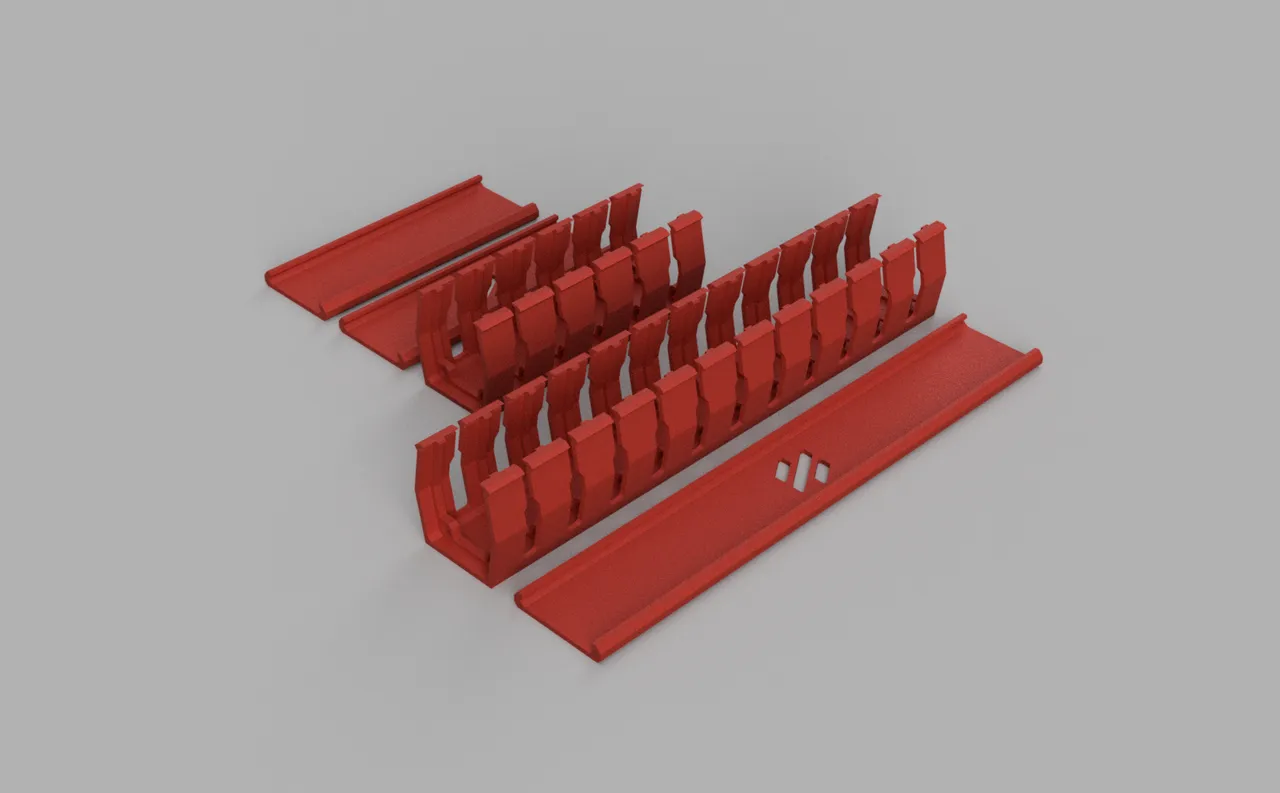
Cable Management Duct
by ryandam
Zip tie mount intergrated cable duct to hide your cable- V0
4,320 views804 downloads
Cricut Voron Logos
by GadgetAngel
For any cutting machines or machines that rely on vector graphics and use .svg files. These vectors or .svg files are the Voron Design Logos for the Voron 2.4, Voron SwitchWire, Voron 0.0/0.1. and Trident These .svg files use a minimal amount of anchor points to achieve the vector shapes!- V0
- V2
- VSW
- VT
3,969 views683 downloads